
Keep calm and ask a Nintex vTE – virtual Technical Evangelist!
I’m proud to announce that I have been honored as a Nintex vTE! I’ve became 1 of 70 workflow professionals from the global network of Nintex partners!

I’m proud to announce that I have been honored as a Nintex vTE! I’ve became 1 of 70 workflow professionals from the global network of Nintex partners!
Have you ever faced that issue? When your workflow is running smoothly and out of nowhere it gets suspended? Then when you hover the “i” icon to get more details you are informed, that “The workflow instance was too large to persist”? Well I had. Here is what I found and how I recommend to solve it.
My last project required creation of a dynamic list of approvers for the approval process (a coincidence? ), based on a location and volume threshold. And some other parameters, but this is not a case. At first I naturally thought about a list, that would hold such mappings for me. Then I thought to query that list within a workflow, using filtering to gather only a specific subset and then, using a state machine, to go through and assign tasks.
But there was a catch! Customer expected, that the form should allow to display that list of dynamically gathered approvers and then to show how each one expressed approval. And with the possibility to add or remove existing ones!
Although story of SharePoint Designer 2013 is slowly reaching its end and it is known for sure that shortly after 2020 will be deprecated, still there are many clients using it and developing their solutions with its help.
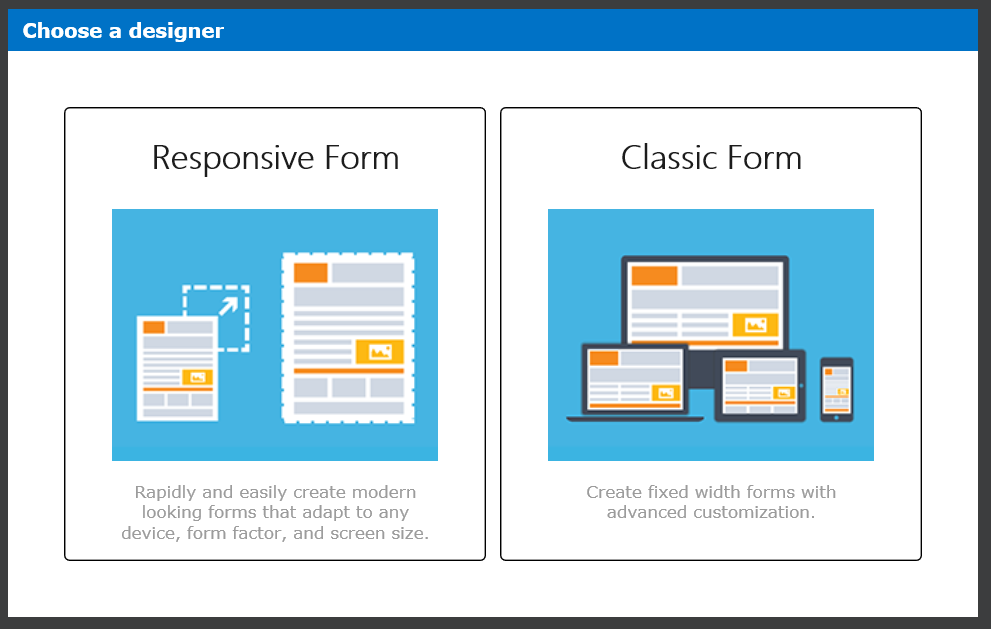
The new way of building forms has been announced during the Nintex annual conference, formerly called “InspireX” (now “xchange“) during the presentation “What’s planned for Nintex Forms” (you can find it at the bottom of the page here or download the PDF here and a blog post about that is here). At that moment not very much was shown, but as the time went by, more and more facts were being unveiled.
During Nintex Roadshow in Europe, that took place in spring, even more facts and a working beta was presented. Then not that much later, Euan Gamble, Nintex Forms Product Manager, invited me and some other vTEs to the Nintex Responsive Forms Advance Preview.
A week ago Nintex Responsive Forms’ general availability has been officially announced and today they finally reached European Office 365 tenants and are available in upgrade, for customers having software assurance in on-premise Nintex versions.

The post continues the previous one, where I was trying to compare Groups with Teams. Despite the comparison was possible, Office 365 Group is not, what I underlined then, a standalone application, but a security object. Remember also, that Office 365 Groups were first introduced somewhere in 2014. Over the years it was being extended to work with other Office 365 based applications as well to be used in hybrid scenarios with on-premise Exchange.
Since it’s very beginning the narration that Microsoft was building around the concept was, that it is a tool dedicated for groups of employees, that delivers tools assisting and helping in their ongoing work, collaboration and communication.

Office 365 Groups are a quite old concept. They were first introduced somewhere in 2014, but since then the concept developed, from a simple Shared Mailbox, into a tool dedicated for collaboration between employees. Then, in November 2016 Microsoft Teams went public what… brought a lot of confusion on users’ faces. I guess this confusion is still present.
I this post I am not trying to explain when to use what, but to compare those two products to show you their capabilities and… to help you answer on your own, which tool to use when.
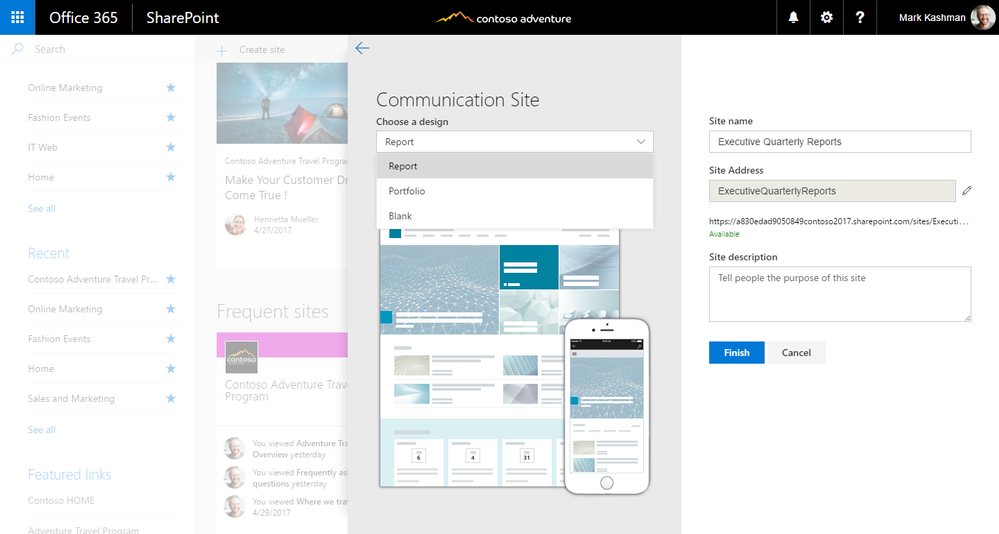
Yesterday I was crawling Twitter being a bit upset, that I cannot find any mark of the new Communication Sites. It was said, that my tenant must be set to be in “First release” to get that new feature before anyone else in the world. So I did it. But still, no sign.
Then I read somewhere, that it cannot be the “First release for everyone”, but “First release for selected users”! Go to https://portal.office.com/adminportal/home#/companyprofile and change “Release preferences” indicating your account as one from the selected users.

Earlier this month (20th of June) Microsoft Stream, the new application in the Office 365 family, became Generally Available. Many users are still in doubt because that is not very clear how this app is positioned to the Office 365 Video actually. The answer however is quite simple – many organizations demand having a secure and trusty storage to keep and stream multimedia files – which are in fact the largest files organizations are working with.
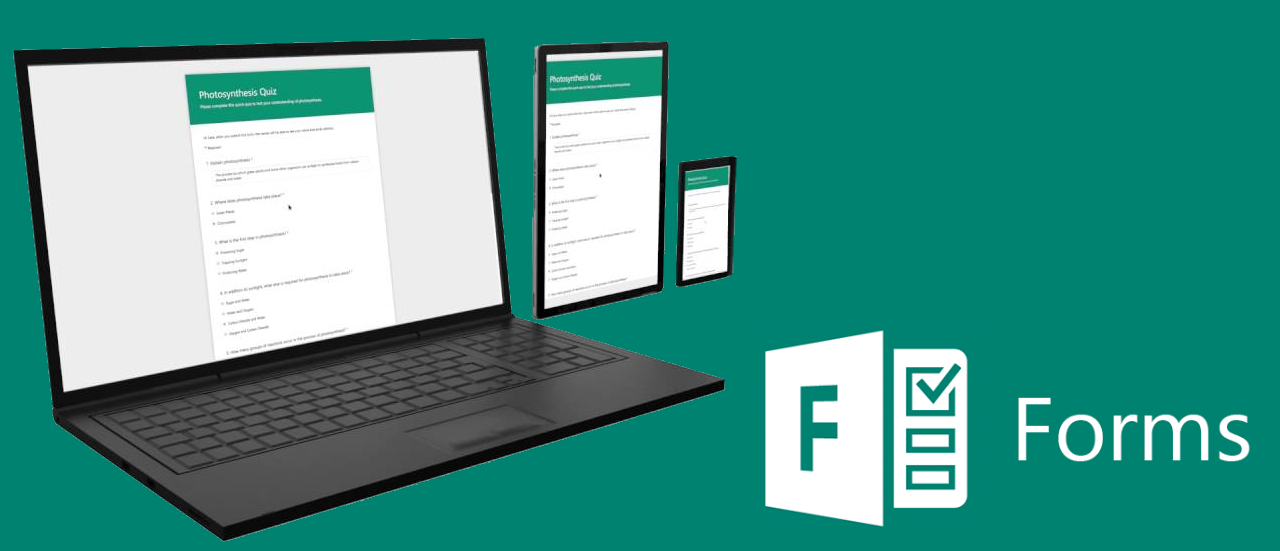
Microsoft Forms is a simple tool, that allows to create pools and quizzes and of course – collect responses. First it was created for educational purposes. Microsoft claims it was a result of the request from the tutors and students, as they needed a tool to easy create questionnaires and track responses.