
Top

Trigger one flow from multiple SharePoint lists

This post was inspired by a situation I faced at one of my customers. I was migrating SharePoint 2010 to SharePoint Online and in one site customer had many lists, where users were able to create items. Every time someone created or updated an item, SharePoint Designer workflow was sending them confirmation e-mail. Case was, that the lists were using the same workflow simply replicated per list.

Locked file checking pattern in Power Automate

In SharePoint Online, whenever you create a library and turn on “Require check-out” before editing documents option or not, users are able to open files for collaboration in browsers or in their local Office clients. When they do that, the file is getting locked from access that could lead to its metadata changes. If you create Power Automate flow which purpose is to update file’s metadata or approval status it will end up with failure when trying to do so.

Adaptive Cards Templating

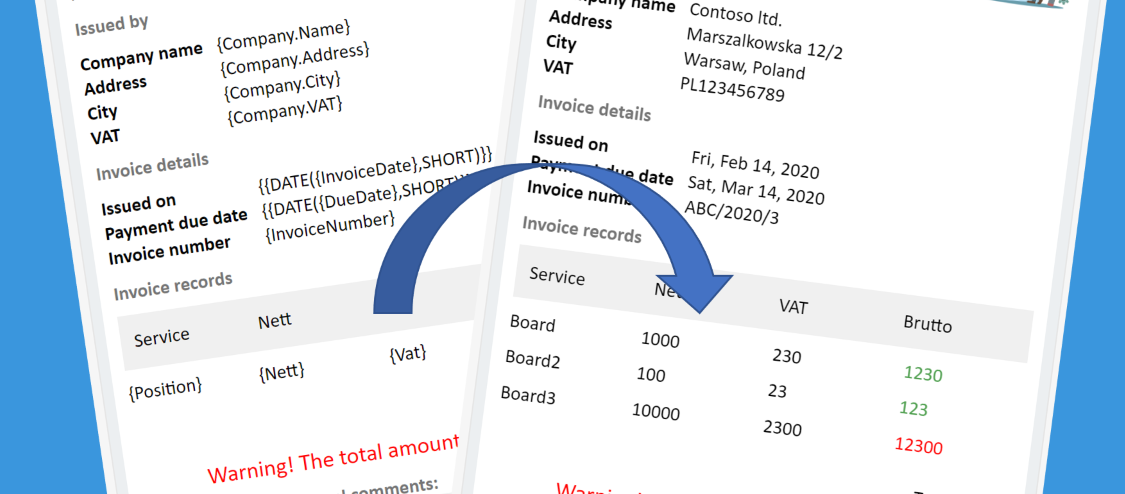
This functionality was first released in July 2019. It has a huge potential – it allows you to create Adaptive Card and then put inside placeholders, that will be replaced as the card is being generated with the actual data. Thanks to it you don’t need to hardcode any values inside a card, you make more dynamic content. And save time.

Adaptive Cards

The future of Adaptive Cards

It took me a little more time than I was expecting, but here it is! The post you are now reading is the last part of the 4-parts series of posts dedicated to Microsoft Adaptive Cards. Information in this post is valid for the September 2019. Because this technology is continuously changing, the knowledge from this post may in some parts get outdated, however I will do my best to update it accordingly.